Building the iOS companion
Updated Jul 11, 2026: the iOS app now includes native swipe actions, item details, long-press menus, Boards, Loved/Saved and local item reminders. The screenshots below show the earlier list milestone.
Updated Jul 14, 2026: cross-device iCloud sync has shipped. The Mac and iOS apps now share one memory instead of keeping separate archives.
The iOS app started as a question: if SyncPocket App is supposed to be a second memory, what good is a memory that stops working the moment you leave your desk? These screenshots came straight from the iPhone 17 Pro Simulator during the first working list milestone.
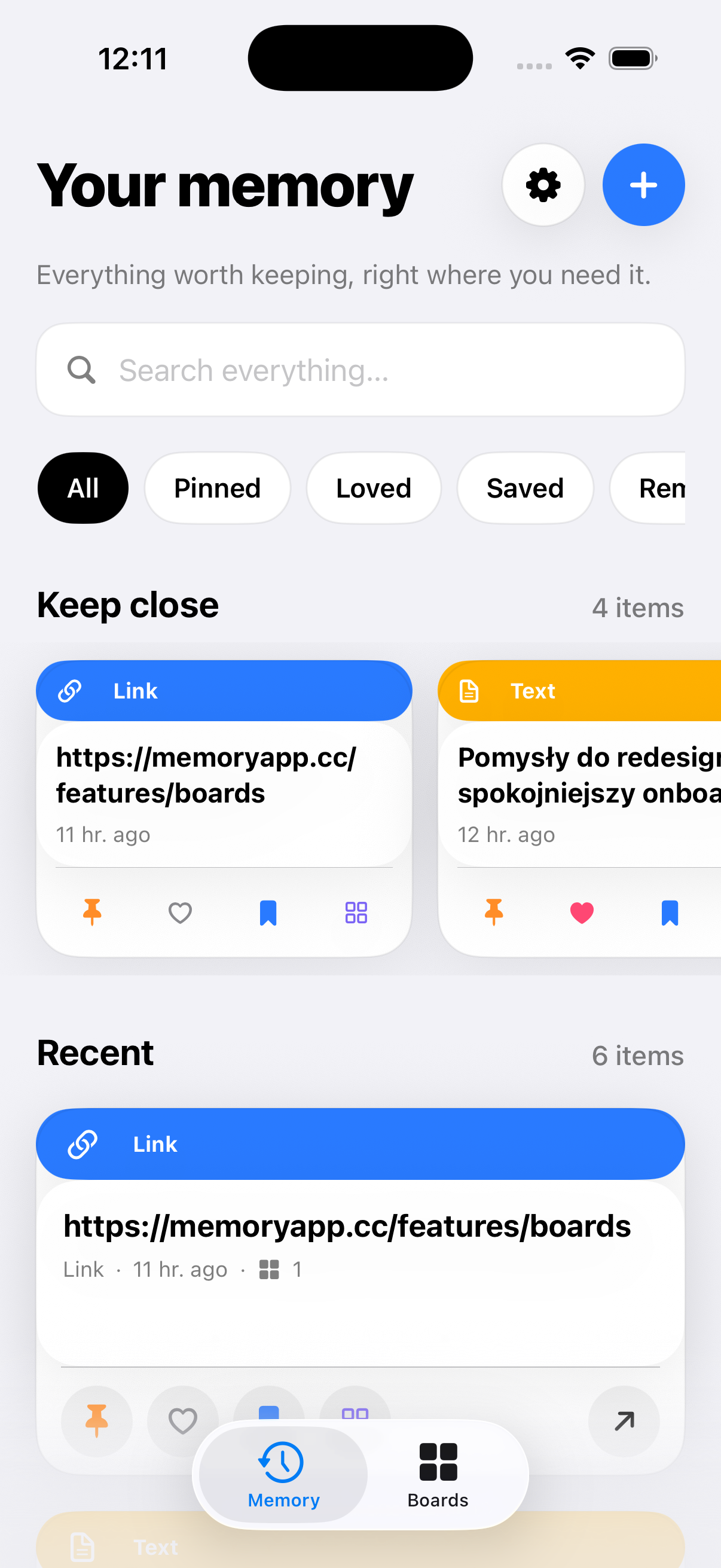
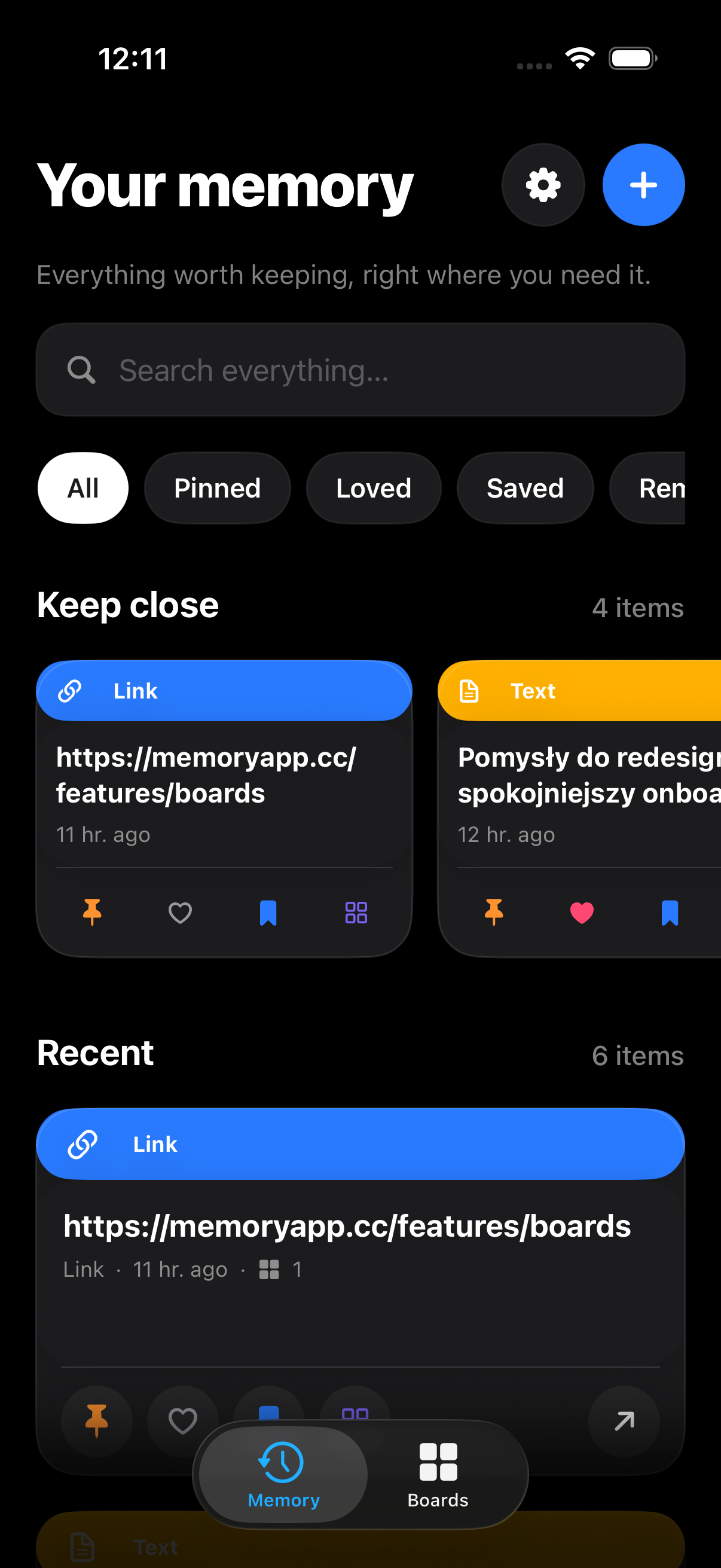
What you're looking at
That was a real local memory, not a mockup: a pinned link to syncpocket.app, a text note, a color pulled from Figma and an order number. The current interaction model adds swipe-left delete, swipe-right pin, tap-to-detail, a full long-press menu, All Boards, heart/Loved, Save me/Saved and exact-item reminders.
What it is today
The iOS app is a full client for your memory, kept in sync with your Mac through iCloud. Both builds share one memory through your own private CloudKit database — no SyncPocket App servers in between.
Why this milestone is Simulator-only
Running on a physical iPhone and shipping through TestFlight or the App Store require signed provisioning and release work beyond a generic Simulator build. This milestone verifies the Simulator build; device testing, exact-archive signing and distribution validation remain separate release gates.
Cross-device sync is live; next up at the platform level is Mac App Store readiness and the public API. The current state and order are tracked in the roadmap post.